
How to Use a VRT Group Pass
VRT City Go Membership / Regional Pass Program / Funding Partners

Your Bus Pass
Activate a bus pass code (most common)
Don’t miss out. It’s quick and easy to get moving.
Download the Umo Mobility app on your phone.
Select Valley Regional Transit and create an account.
Tap Buy, then choose “Redeem Benefit Code.”
Enter your unique code — emailed to you.
Your unlimited pass will show up in the Code section of the app. Just scan it when you step on board.
Run into roadblocks? We’re here to help. Get in touch, and we’ll get you rolling.
Register your bus pass (less common)
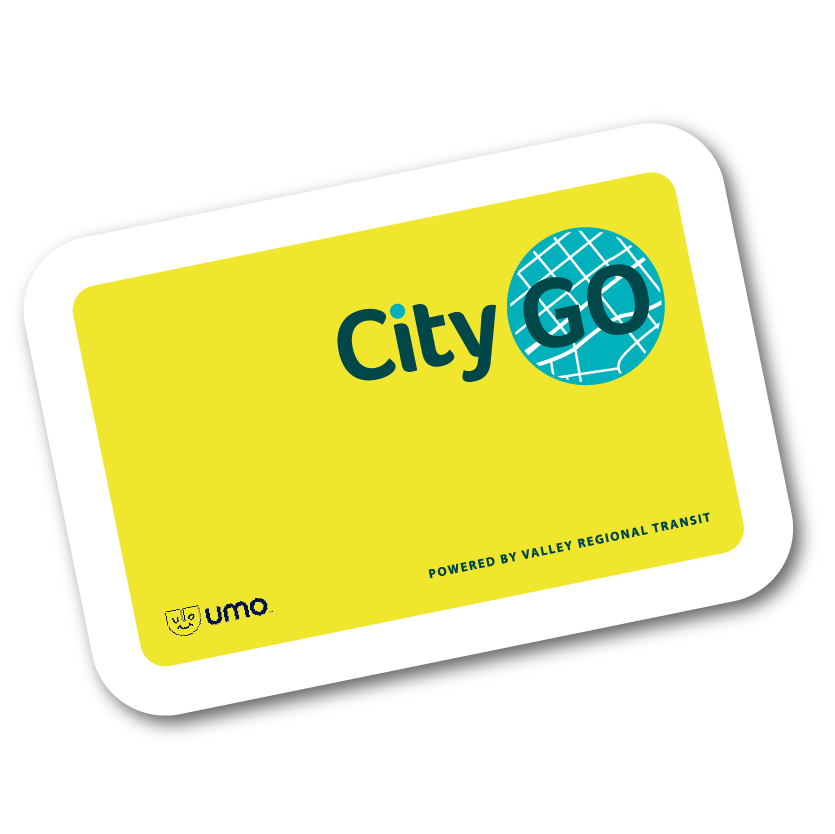
Once you have a card, you can go ahead and use it. No action needed. Your card must be registered to protect your pass in case it is lost or stolen.
Use your badge (less common)
For many large organizations, your organization badge doubles as your bus pass. Typically, you just flash your badge to the driver when you get on board. Check with your transportation coordinator to see if you need anything else to ride (some organizations add a new bus sticker each year).
How to ride
See resources for riding the bus, from planning your route to knowing which door to exit.
Your Transportation Discounts
Many group passes include discounts on other transportation whether you roll by bus, bike, vanpool, or carpool.*
First-time here?
Use your company’s unique sign-up link. Find the link in your welcome email, ask your transportation coordinator or contact us with your work email address. This link is different than the unique code to redeem your bus pass.
Return visitors
Sign in to access the shop.
*Plans vary. Some groups have bus-pass only plans (Regional Pass Program or VRT Funding Partners). If you’re not sure, contact us with your work email address.